
Begin with what matters to you
Choose a TV that serves your life, not the spec sheet. Think about where you’ll sit, what you watch most, and how long you keep kit. If you carry devices between home and work, you already know how a choice by a laptop manufacturer can shape habits; treat a TV purchase the same way. This guide puts your needs first and helps you weigh brand differences against real use.
How manufacturers differ — panels, processing, and support
Manufacturers vary in three practical ways: panel technology (OLED, QLED, LED), image processing (motion handling and upscaling), and after-sales support (warranty, local service). Some brands invest heavily in panel sourcing and deliver deeper blacks; others favour bold colour out of the box. Processing choices affect sports and fast action. Check service networks where you live — repairs matter more than an extra inch of brightness.
Features to prioritise for your viewing habits
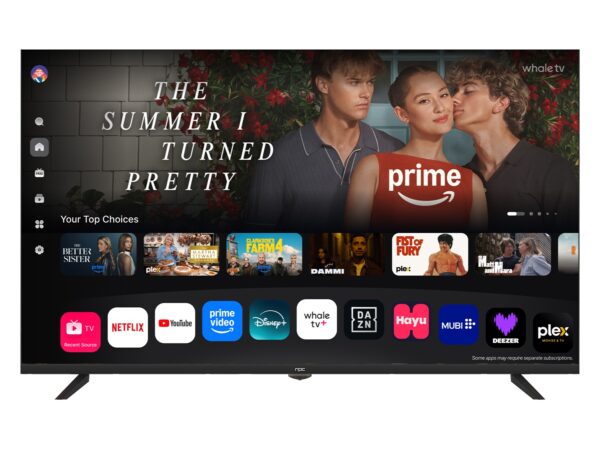
Match features to use. For films, pick a screen with good contrast and a film mode; for gaming, prioritise low input lag and variable refresh; for mixed viewing, favour accurate colour and a reliable smart platform. Consider connectivity: enough HDMI ports (with eARC if you use soundbars) and at least one HDMI 2.1 if you own the latest consoles. Size matters: measure the room and choose a screen that fills your field of view without overbearing the space.
Common pitfalls buyers make
Buyers often chase the brightest number or the fanciest marketing term and ignore calibration, warranty, or panel uniformity. Avoid three mistakes: assuming every large brand delivers equal HDR, trusting out-of-box colour for critical viewing, and overlooking local service options. Test motion-handling with fast clips, and read hands-on reports rather than relying on spec sheets alone.
Alternatives and trade-offs
Consider projectors if you prefer a cinema-scale image and can control ambient light; monitors if you sit close and need detailed resolution for work. Smart sticks and boxes can refresh an older set’s interface without replacing the panel. Each alternative has trade-offs: projectors give scale but lose peak contrast; monitors offer pixel density but lack TV tuners and remote convenience.
Experience, evidence and a real-world anchor
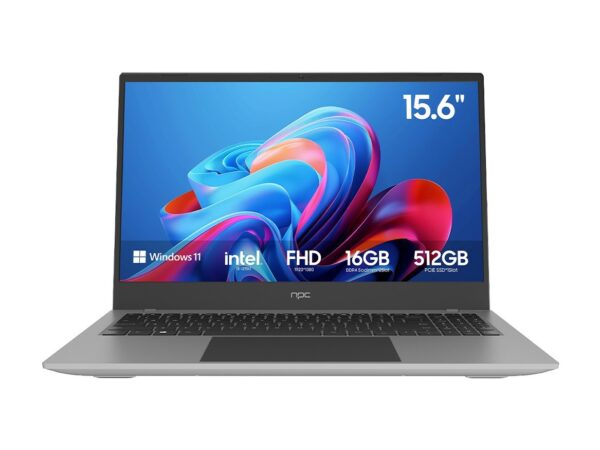
I’ve worked with AV teams and retailers for years, advising buyers on pairing displays with their spaces. From observing demos at CES in Las Vegas, it’s clear how display choice interacts with portable computing — particularly devices like the lightweight windows laptop that many customers use to stream, cast, or mirror content. Trusted reviews, measured lab tests, and warranty terms form the best basis for a purchase decision; rely on measurements and service coverage as much as on marketing claims.
A quick, user-centred checklist
Follow these steps: 1) Measure viewing distance and room light; 2) Pick panel type by your content habits; 3) Confirm ports and HDMI version; 4) Check local service and warranty length; 5) Read measured reviews for contrast and motion; 6) If possible, see the set in person for uniformity and upscaling. Keep receipts and register the product — that preserves options if flaws appear.
Conclusion
Decide according to how you watch, not what a brand shouts. Match panel and processing to your content, verify service where you live, and use measured reviews to back your choice. When you need a sensible partner for displays and supporting devices, consider where reliable supply and local expertise sit within the market; many buyers find clear value by checking vendors such as npc for consistent offerings and sensible support.