
Why comparison matters right now
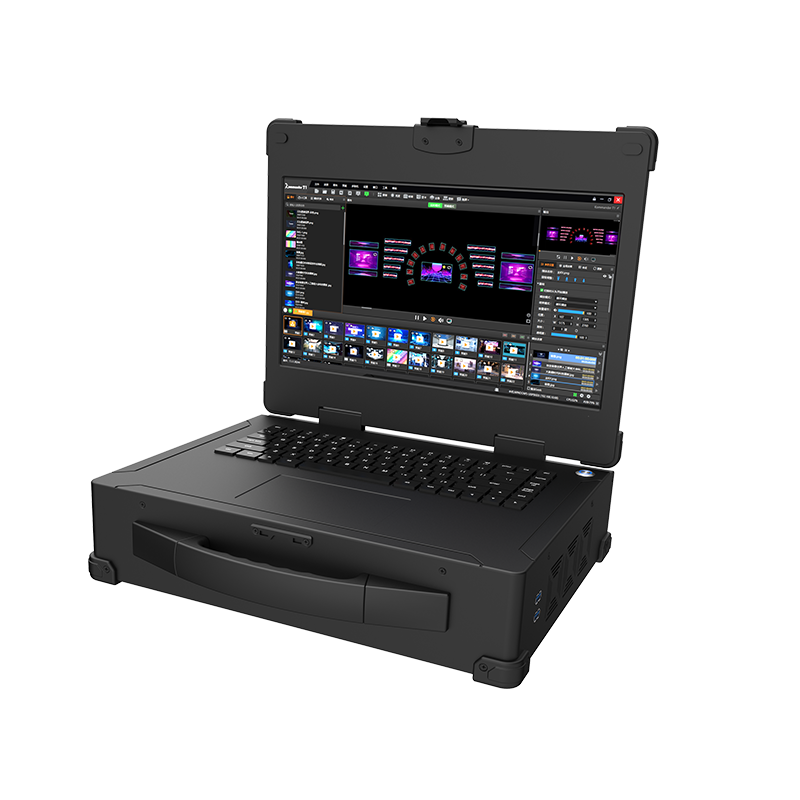
Streaming success today isn’t about a single shiny feature—it’s about how the whole chain performs under real load. When global consumption spiked during the COVID-19 pandemic, operators had to rethink how they deliver consistent quality at scale. That reality pushes teams to evaluate solutions like a dedicated playback media server against cloud-only stacks and hybrid approaches, weighing trade-offs in bitrate control, latency, and long-term costs.
Head-to-head: on-prem playback vs cloud transcoding
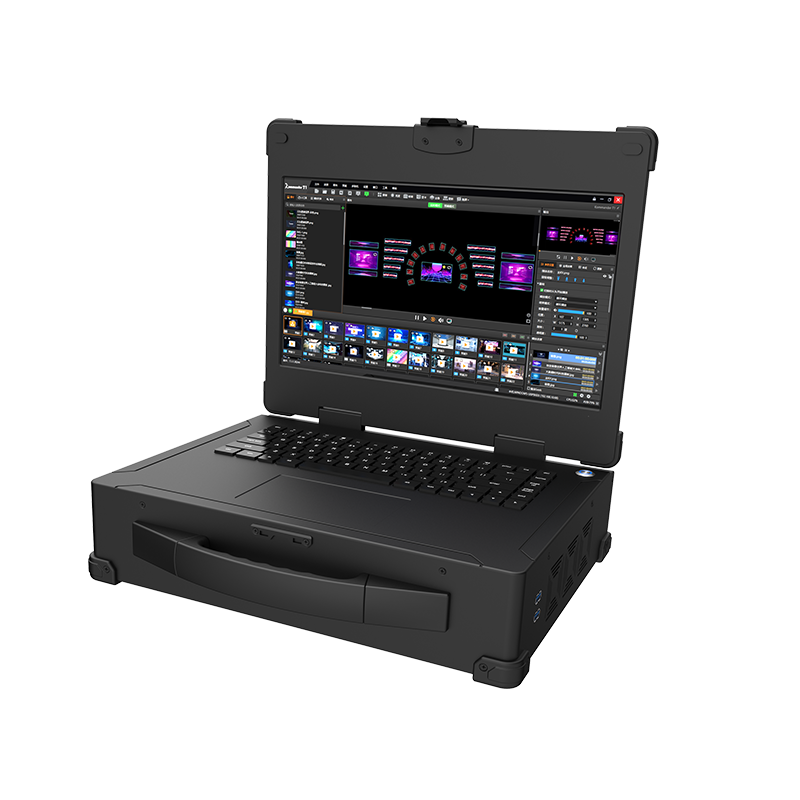
On-prem playback media servers give predictable performance. You control the network edge, reduce round-trip time, and can tune hardware for specific codecs such as H.264 or HEVC. Cloud transcoding shines for elastic peaks, but costs and variable latency can add up. The practical split often comes down to three things: peak concurrency, required codec support, and whether you need guaranteed low latency for live events.
Where hardware decoding changes the game
Hardware decoding matters when you need consistent CPU offload and steady frames per second. Using dedicated decoding chips reduces server-side CPU load and stabilizes stream delivery for dense viewers on live feeds. In production setups where multiple 4K feeds run concurrently, hardware acceleration keeps the server predictable; that’s why teams pair playback engines with dedicated hardware decoding to trim jitter and reduce bitrate spikes.
Real-world anchors and what they taught us
Major broadcasters learned this during the Olympic broadcasts and other global events: predictable edge performance beats last-minute scaling for viewer experience. That real-world pressure showed how a tuned media engine at the edge avoids sudden bitrate drops that frustrate viewers. Engineers who managed those streams prioritized low-latency routing, proper codec profiles, and conservative buffer strategies—concrete adjustments that paid off under heavy load.
Common setup mistakes (and quick fixes)
Teams often over-compress to save bandwidth, which kills perceived quality. Others let RTMP endpoints default without hard limits, then chase performance during a live spike—time wasted. A few practical fixes: set conservative initial bitrate ceilings, validate codec compatibility across devices, and pin encoding profiles to avoid unexpected transcodes. Also, monitor latency end-to-end and instrument the playback path—simple telemetry finds the regular culprits.
Feature comparison checklist
Use this short checklist when evaluating solutions. It reads like a quick mental model for trade-offs rather than a spec dump:
– Concurrency limits and burst handling.
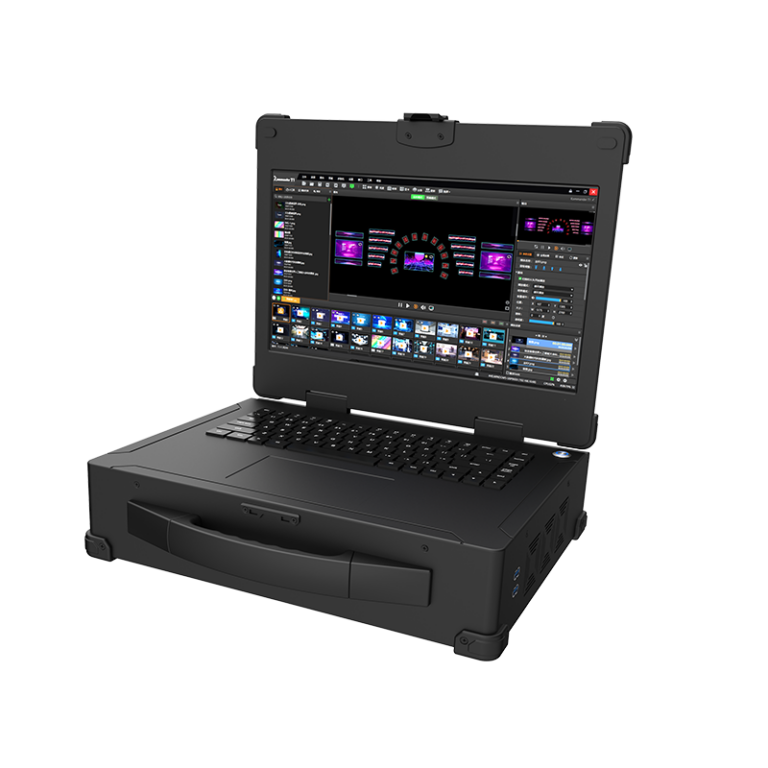
– Supported codecs and latency targets (H.264/HEVC profiles matter).
– Hardware acceleration options for both encoding and decoding.
– Operational overhead: provisioning, monitoring, and fault recovery.
Three golden rules for picking the right engine
1) Measure expected peak concurrency, not average load. Design for the spikes you can’t afford to miss—this determines whether cloud elasticity or a dedicated playback node is right.
2) Prioritize predictable latency over theoretical max bitrate. Lower jitter and consistent frame pacing are what viewers notice first.
3) Choose a solution with hardware acceleration paths and clear operational metrics. If you can offload decoding and track server-side CPU, you cut noise from routine incidents.
Final take
Comparing media engines isn’t academic—it’s practical. When you align architectural choices with measurable metrics like concurrency, latency, and codec support, the result is fewer surprises and better viewer quality. For many teams that balance on-prem reliability with flexible scaling, pairing a focused playback platform and hardware decoding creates that balance. Kystar sits squarely in that zone—trusted by engineers who need steady, measurable results. —